
Cloud and online evidence tools for cyber forensic labs
Invar gives cyber forensic labs and digital-forensics units a controlled way to capture the online side of a case: the cloud accounts behind a seized phone, and the pages, posts and channels named in a request. Each capture is hashed, time-stamped and logged, so the lab's report can show exactly how it was made.
What lands on the lab's desk
Device work is only part of a modern case. These are the online requests labs handle with Invar.
- AcquireCloud accounts from a seized phone
Capture the accounts linked to an exhibit, under the order or consent the case file carries.
- ResearchA web page or post named in a complaint
Preserve it with its URL, page archive, video, hash value and timestamp.
- ResearchA Telegram channel or group
Archive public posts and media for the investigating officer.
- Court packDetails for the expert's certificate
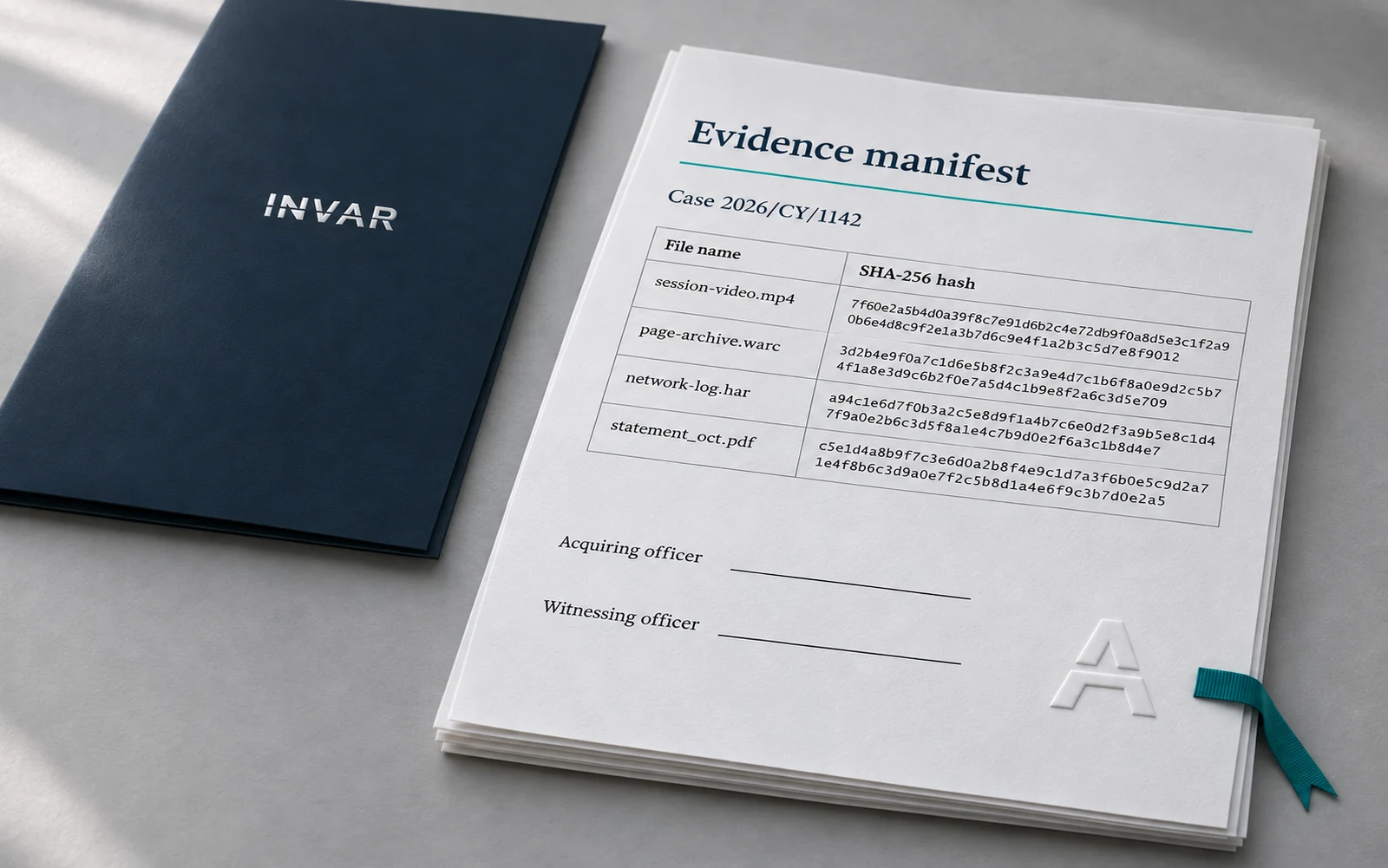
For Part B of a Section 63 certificate, Invar prepares the technical details (hash values, systems used, capture times) for the expert to verify.
- Court packChecking an earlier capture
Recalculate hashes and check timestamps on a pack, using open formats.
- ExportInto your case tools
A CASE/UCO export, so captures sit next to device extractions in one case.
Beside your device tools, in the same case
The phone goes to your extraction tools. The accounts it was signed in to, and the web content the case points to, go to Invar.
- Captures carry the exhibit and case references from the request.
- The court pack and a CASE/UCO export join your device report.
- Acquire sessions stay with the case, so the lab can return under the same authority.
Read more about Acquire and the court pack.
 Illustrative
A method you can document and defend
Labs working to quality standards such as ISO/IEC 17025 need documented, repeatable methods. Invar records each step so yours can be written down and checked.
- The same steps every time
Each capture follows a fixed, recorded process that can be written into a standard operating procedure.
- Logs a reviewer can follow
Who did what, when and under which request, for every item.
- Open formats
WARC, HAR, SHA-256, RFC 3161 and CASE/UCO, so others can test the work with their own tools.
Runs where lab evidence has to live
- Appliance: on your premises, and it holds the only internet link, so your agency network stays separate. Your lab holds the keys.
- Private instance: dedicated to your lab or agency, in your country. You hold the keys.
- Cloud: an isolated tenant in an in-country region where one is available, for the fastest start.
Priced per investigator, per year. See the security overview for data residency, keys and audit.
Invar for forensic labs
What does a cyber forensic lab use Invar for?
Labs use Invar for the online side of a case: the cloud accounts behind a seized phone, and web pages, posts and channels named in a request. Each capture is hashed, time-stamped and logged, so the lab's report can show how it was made.
Does Invar replace device extraction tools?
No. Device extraction tools handle the phone or computer itself. Invar handles the accounts and web content, and exports to CASE/UCO so both sit in the same case.
Does Invar help with the expert part of a Section 63 certificate?
Yes. For Part B, Invar prepares the technical details (hash values, systems used, capture times) for the expert to verify. The expert reviews and signs. Invar never signs.
Can Invar run on an isolated lab network?
Yes. The appliance runs on your premises and holds the only internet link, so your agency network stays separate. A private instance in your country is also available.
How can another lab check our captures?
Every item has a SHA-256 hash value and an RFC 3161 timestamp, and the pack uses open formats. Another lab can recalculate the hashes, check the timestamps and replay the page archives with its own tools.
Walk through a lab case with us.
A 45-minute briefing for your lab: Acquire, the court pack, the CASE/UCO export and the appliance.